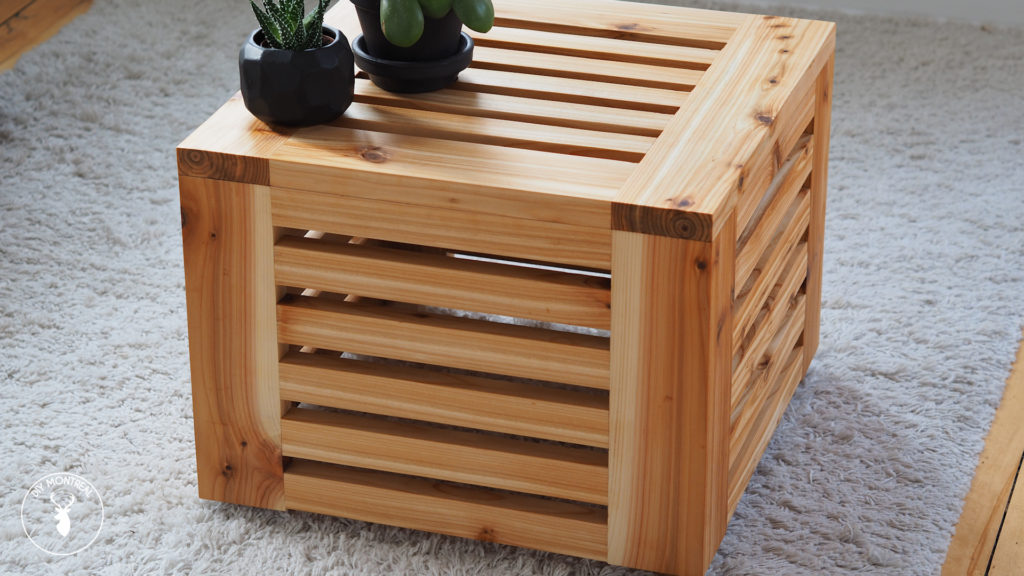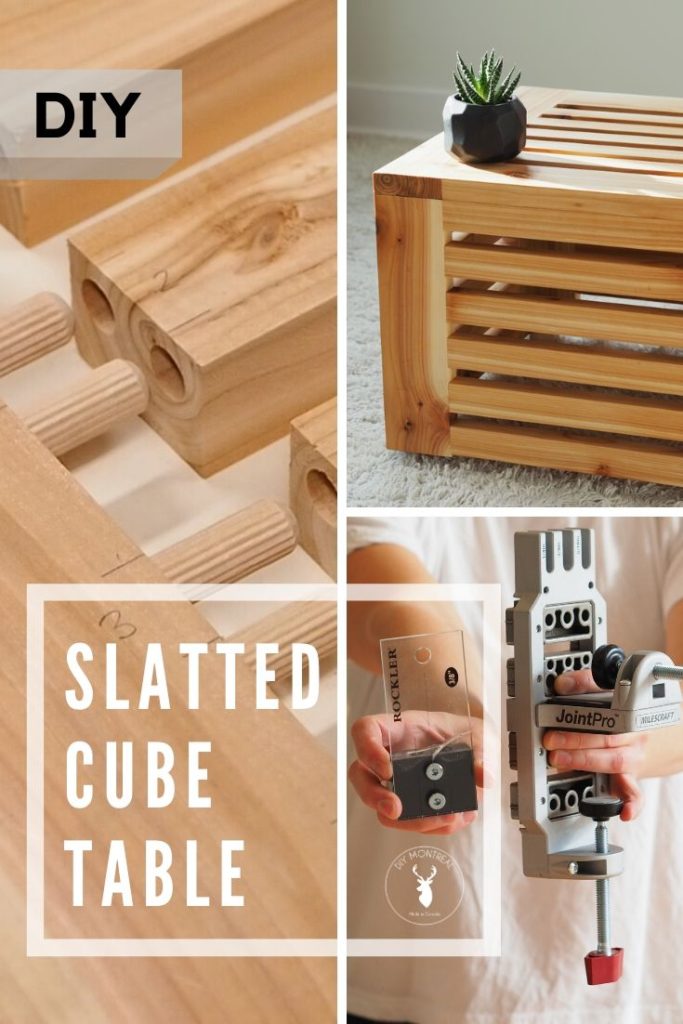
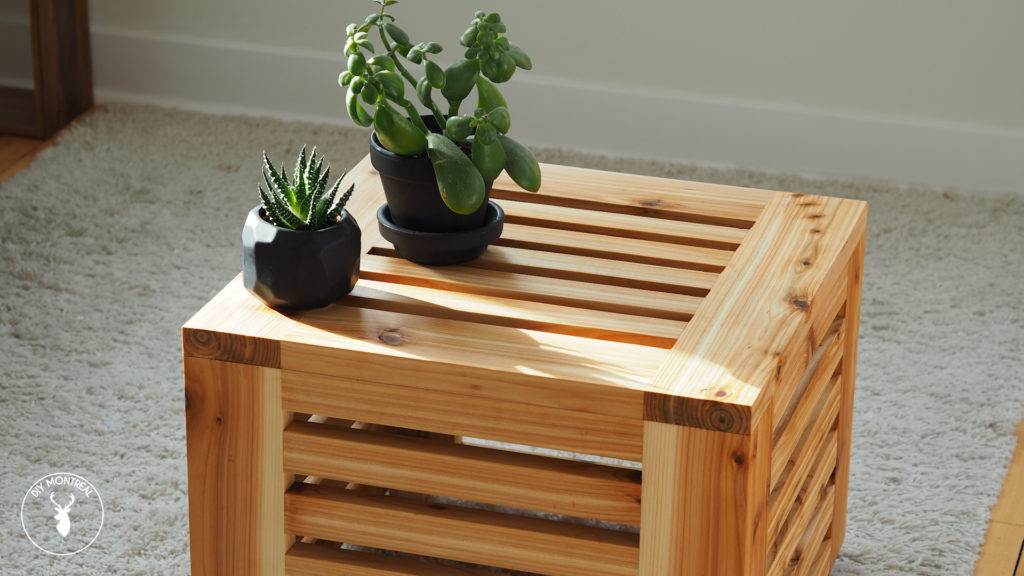
Dowels can be a really easy and effective joinery method once you’ve gotten used to doweling, but can also be confusing on the first try. I decided to build this slatted cube table to challenge myself using only dowel joints. 136 dowels to be exact!
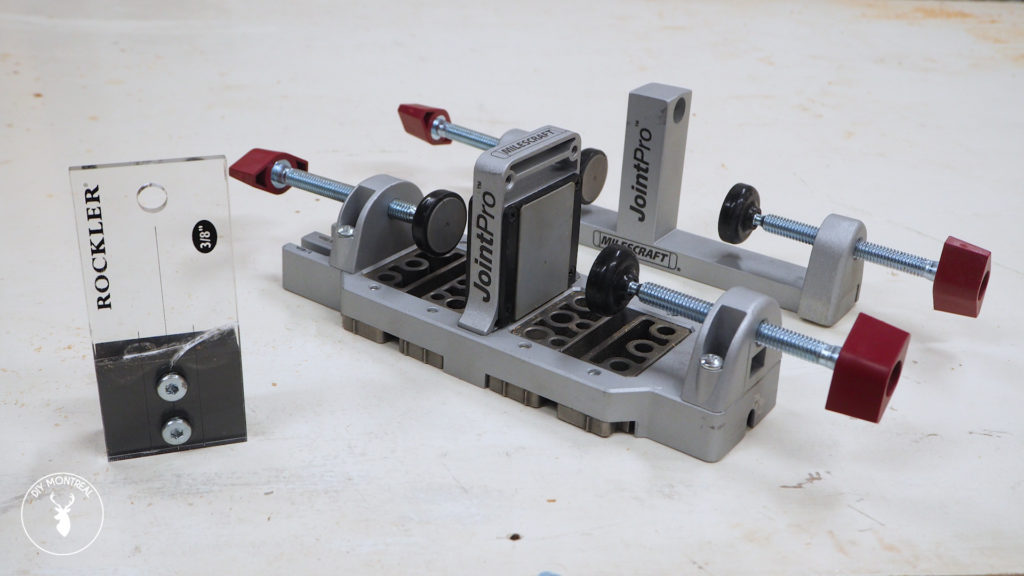
I used 2 different doweling jigs in the process: the MilesCraft JointPro and the Rockler Dowel Jig. I’ll explain why I used 2 jigs, and go through the benefits and drawbacks, so you can choose the best doweling jig for yourself.
Tools & Materials Used
- Cedar Decking Boards
- Milescraft JointPro https://amzn.to/2PCvYUw
- Rockler dowel jig https://amzn.to/2PHQByz
- Dowel bucket https://amzn.to/2JGG8Qg
- Face Clamp https://amzn.to/2JEj58r
- Parallel clamps https://amzn.to/2N67ZLO
- Spiral featherboard https://amzn.to/2JGV5Sl
- Silicone Glue brush https://amzn.to/2JKxz74
- Titebond II https://amzn.to/2oDaknX
- Teak oil https://amzn.to/36t1Uk0
– GET THE PLANS –
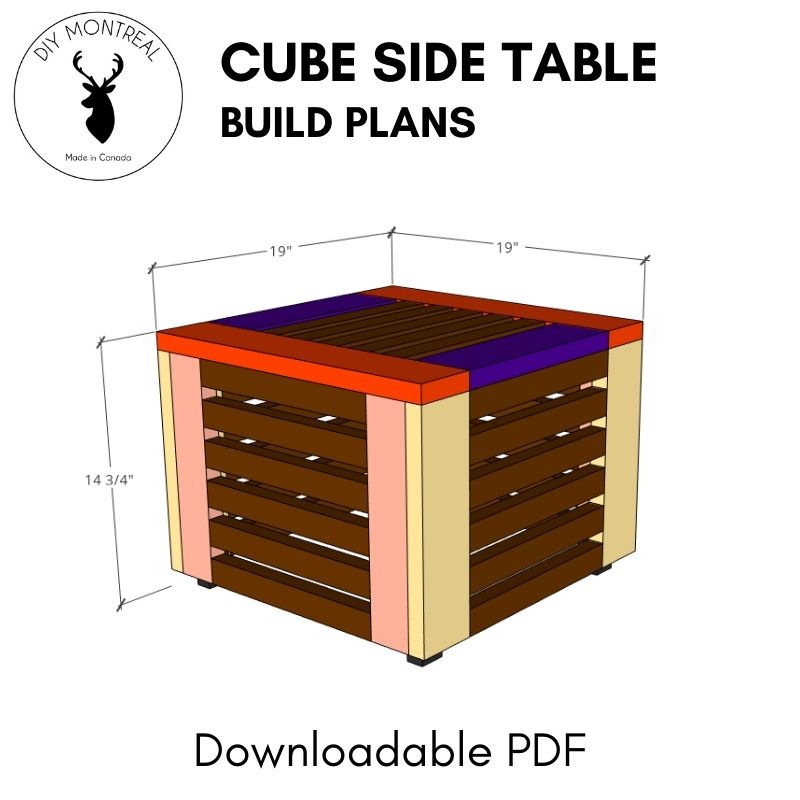
How to Build a Slatted Cube Table
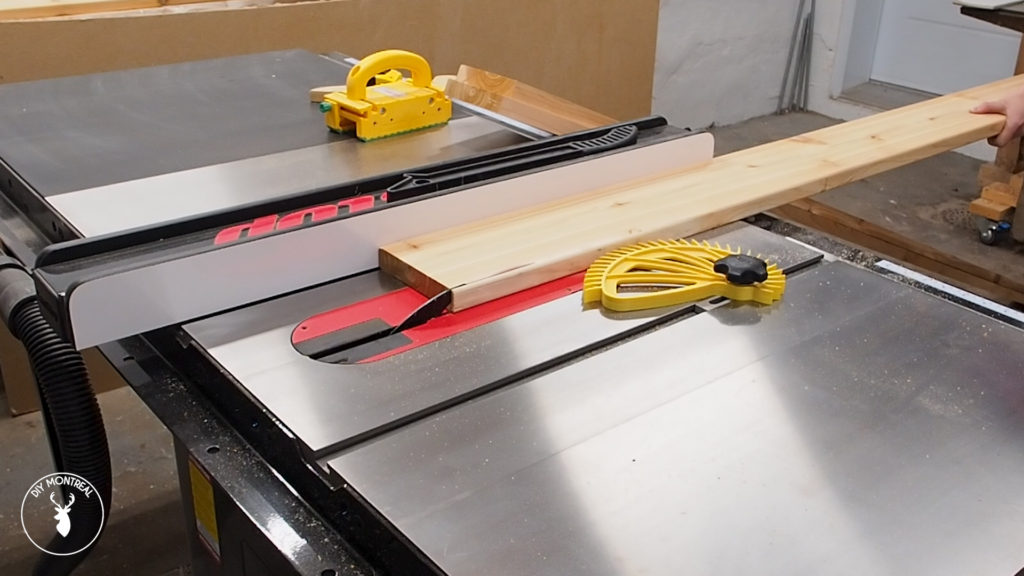
I used 3 cedar decking boards for this build. I started by shaving off the rounded edge on one side to give it a nice square edge. I then ripped down a couple wide boards that will be used for the outer frame, and several thinner boards that I’ll use for the slats.
Once my boards were ripped down to width, I set the stop block on my miter saw to cut all my boards to length.
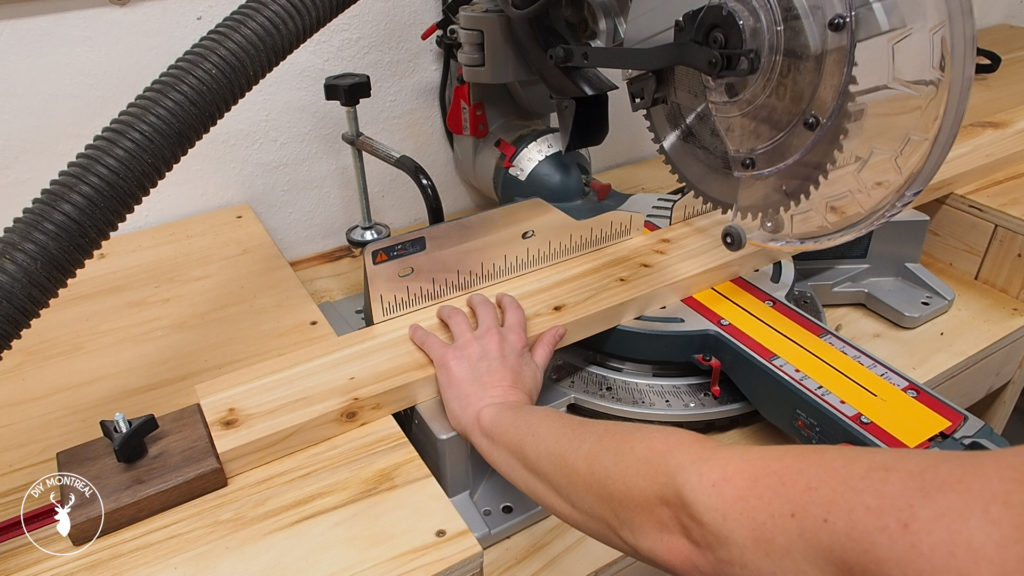
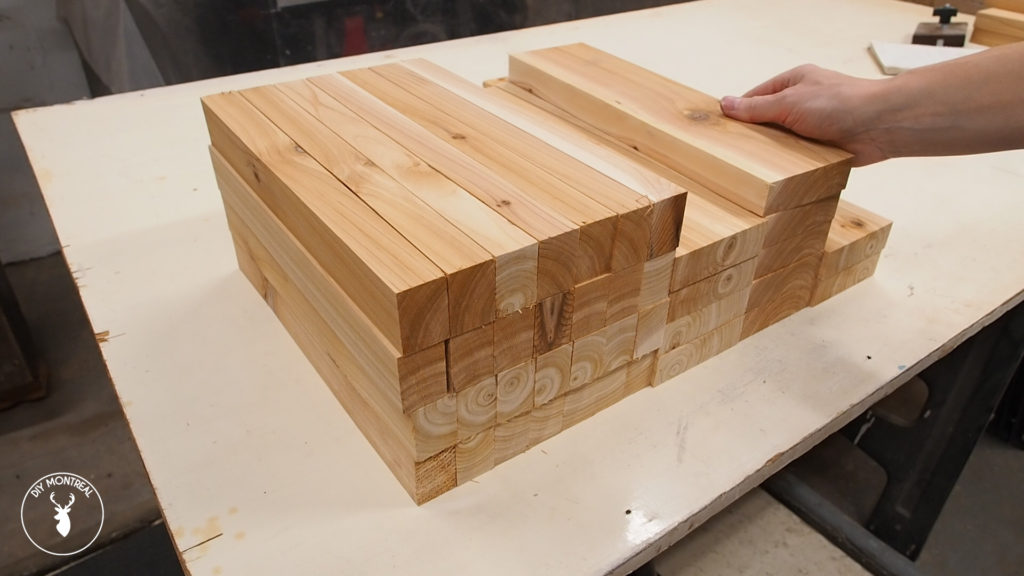
Using a stop block is super important for this build to make sure all your slats are exactly the same length.
I’ll start by making 5 individual panels that I’ll assemble afterwards. I first laid out 2 stops at a 90 degree angle and clamped them to my workbench so I’ll have a corner to reference off of.
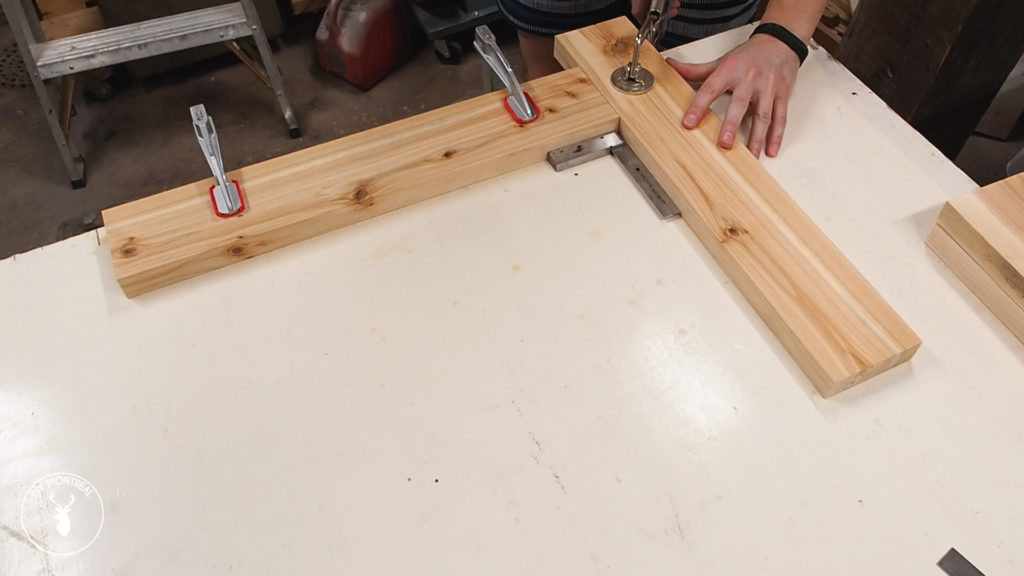
I could then lay out the pieces for my first panel. To keep the spacing consistent between each slat, I used some offcuts from a ¾ inch board that I placed between each slat.
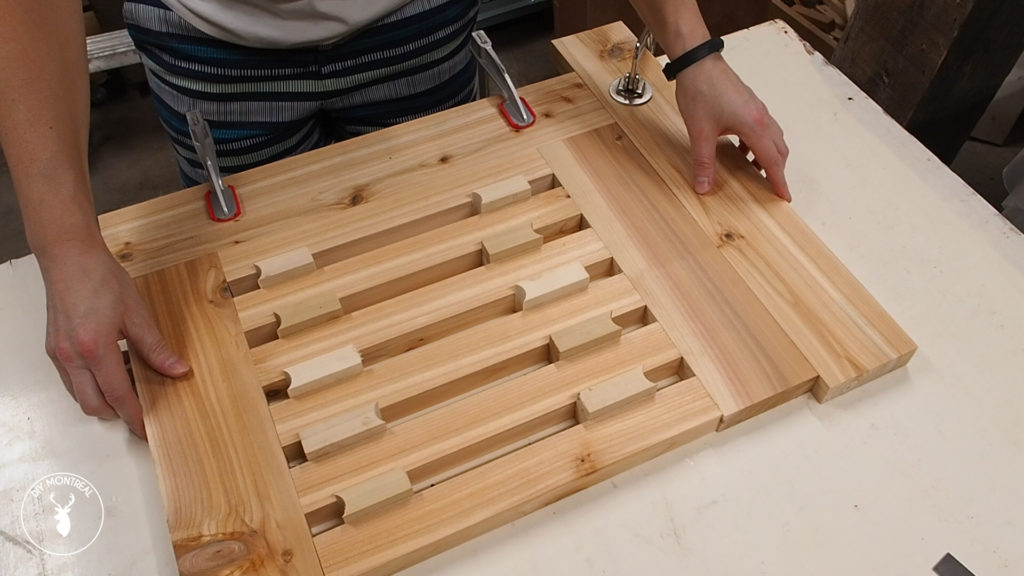
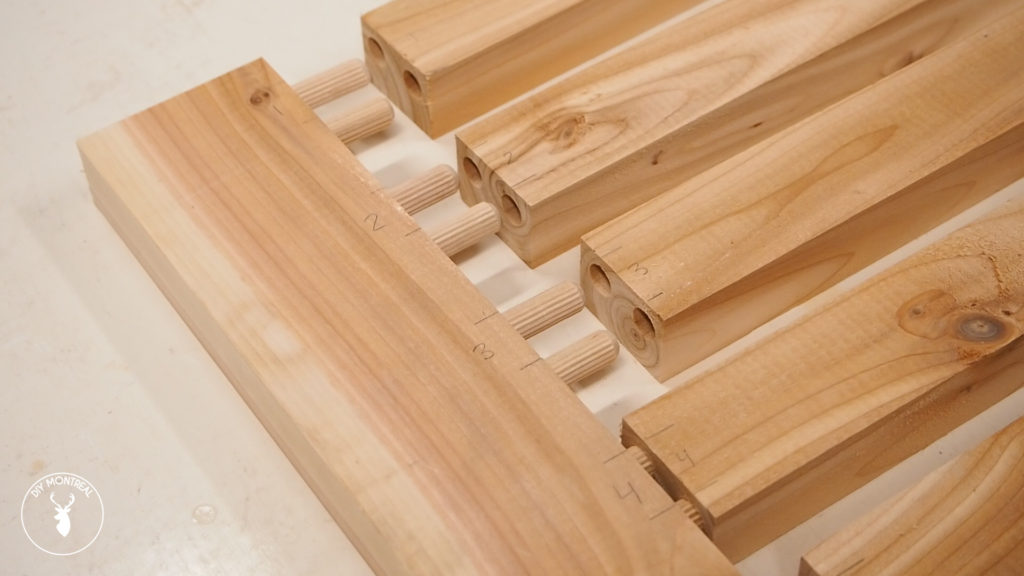
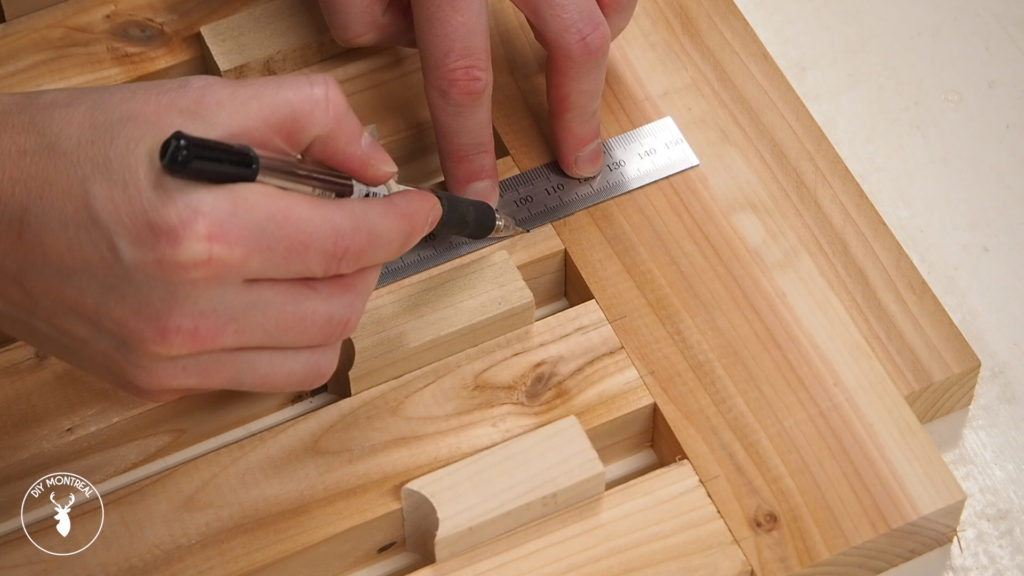
I’ll need reference lines for each dowel hole I want to make, so I roughly centered my ruler and made a pair of lines as each slat that will be connected using 2 dowels.
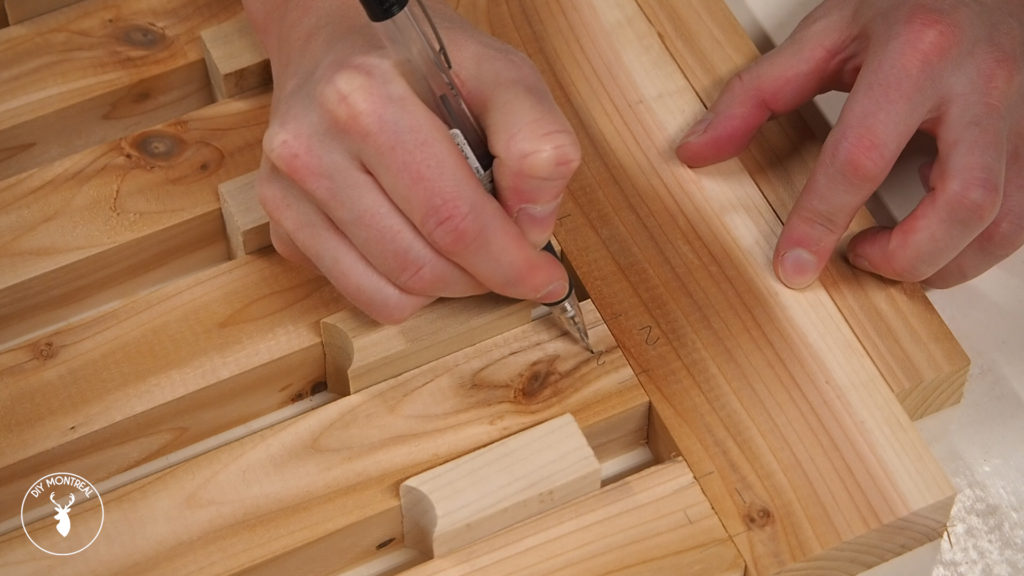
It’s really important to number each of the joints to make sure you know which goes where, otherwise they won’t line up when you go to assemble them.
Okay, so like I said, I used 2 different doweling jigs. Why? I was first going to use the JointPro which is great for panels, but found it almost impossible to use for thin slats, as there’s no way to visually line up the jig with a pencil mark. So I ended up getting the Rockler jig that’s easy to visually line up, but it turns out the accuracy isn’t all that great. One thing that helps is instead of using the center line and making 2 holes at once, I always use only the left hole and the left line. That really helps with the accuracy, even though it’s more time consuming.
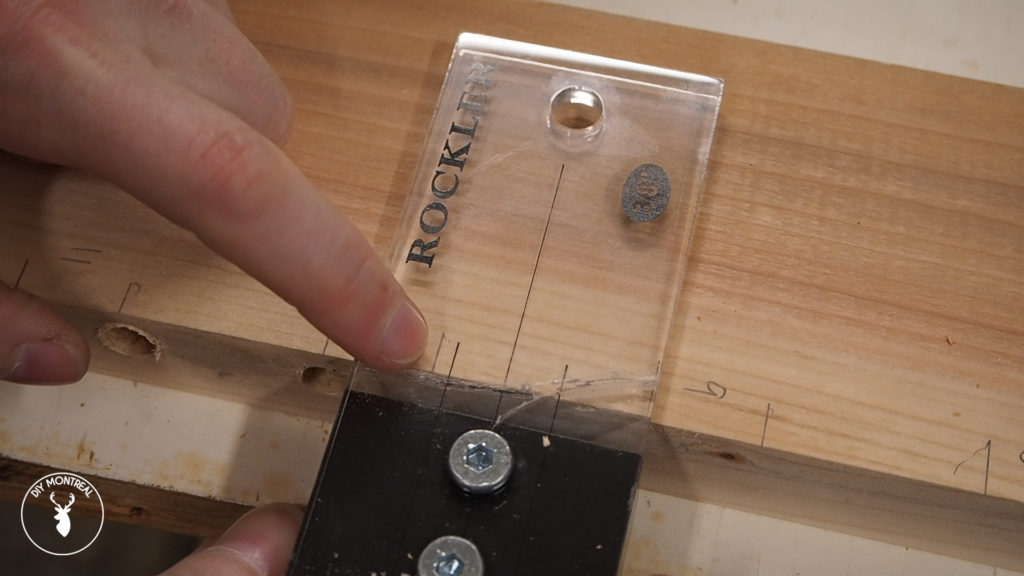
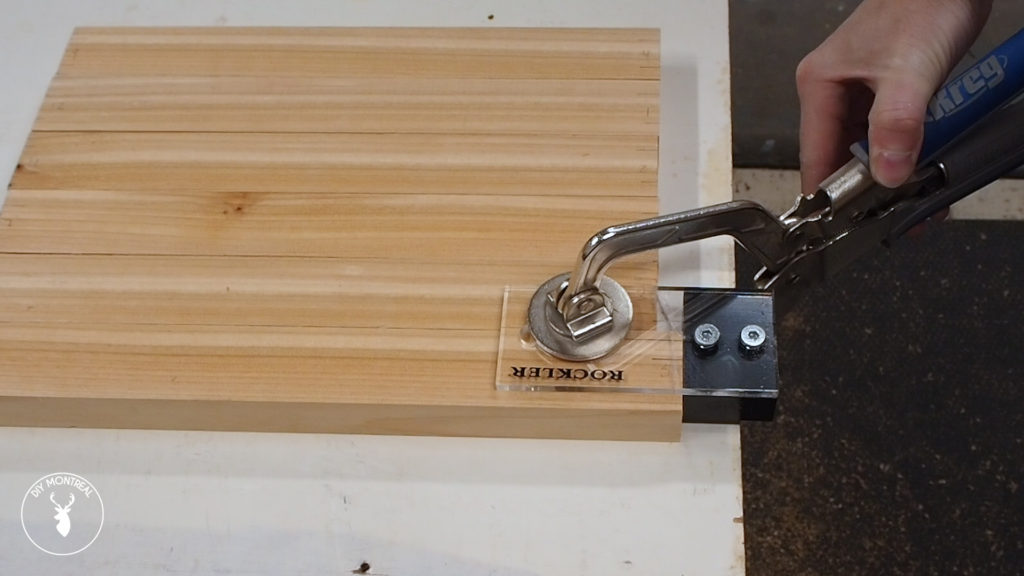
So one by one I lined up the line, clamped down the jig to make sure it wouldn’t move on me, and drilled the holes. It’s a good idea to jam some tunes while you do this to pass the time!
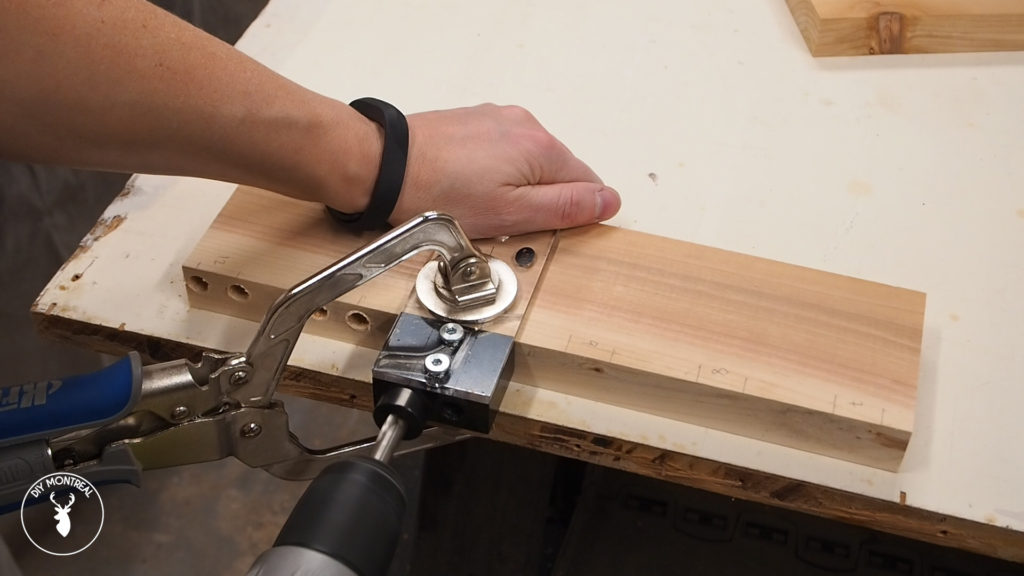
When to comes to the slats, you don’t have much surface to rest the jig on, which makes it unstable, so it helps to use the other slats as support as you work your way through them.
Once all the holes were made I grabbed a bucket of â…œ dowels to do a dry fit. The last thing you want is to realise your holes aren’t deep enough or the alignment is off when you’re in the middle of your glue up.
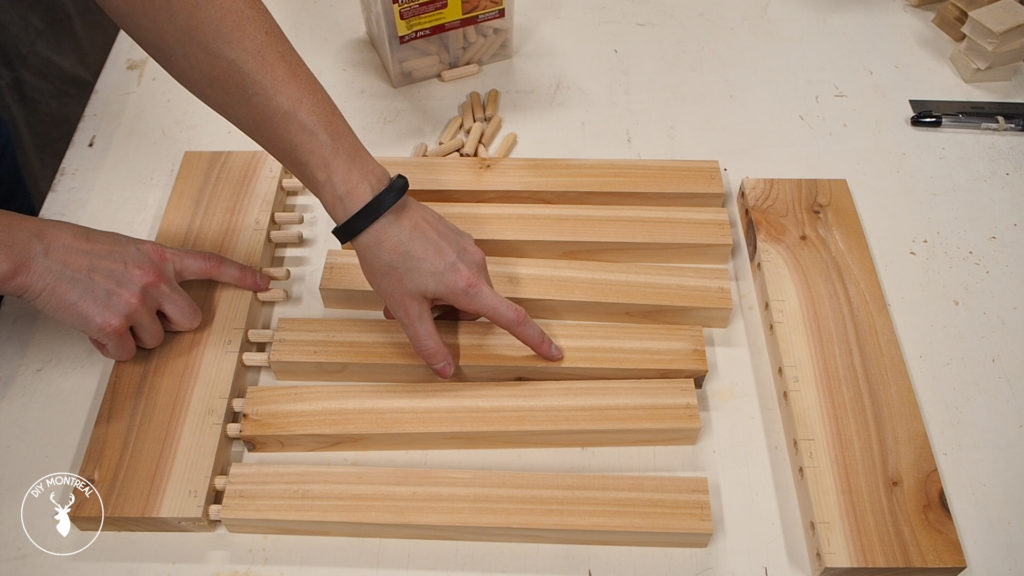
To glue up the panels, I added a generous amount of glue to each of the holes and pushed the dowels into one board. I added more glue to each of mating holes before pushing all the pieces together.
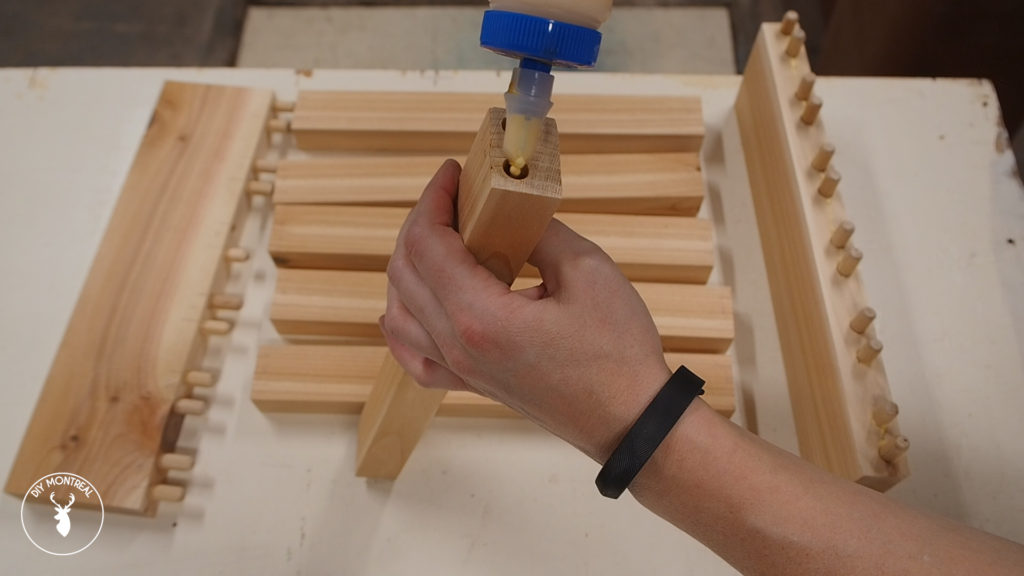
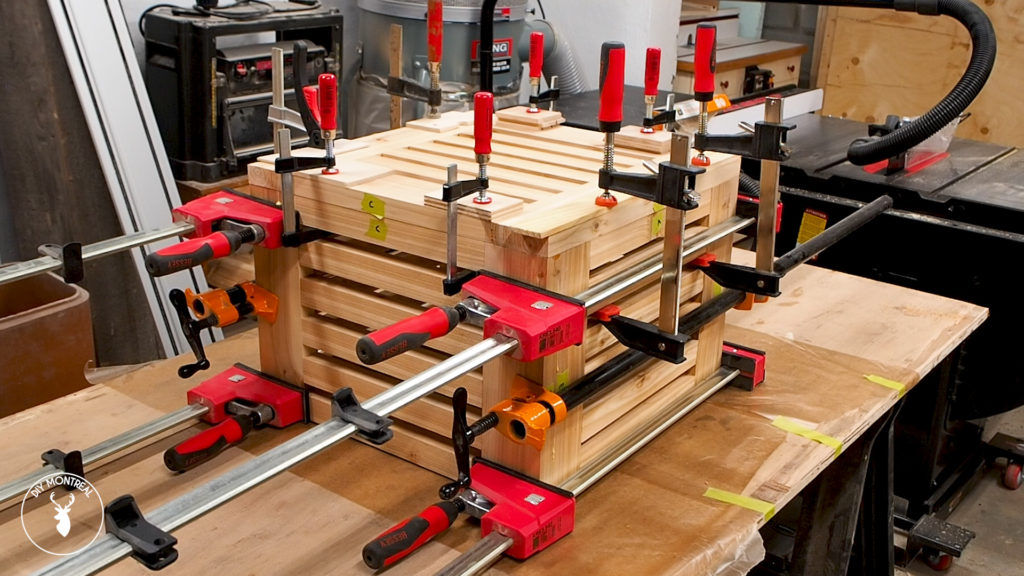
I can then add some clamps and add just enough pressure to close all the joints nice and tight. I assembled the 4 side panels as well as the top panel, using a damp rag to wipe off any glue squeeze out.
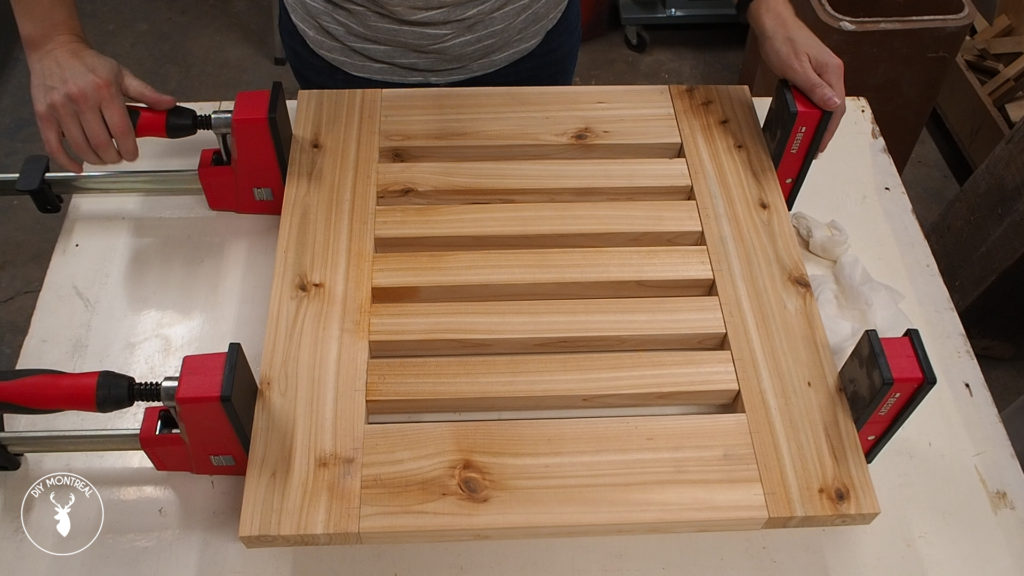
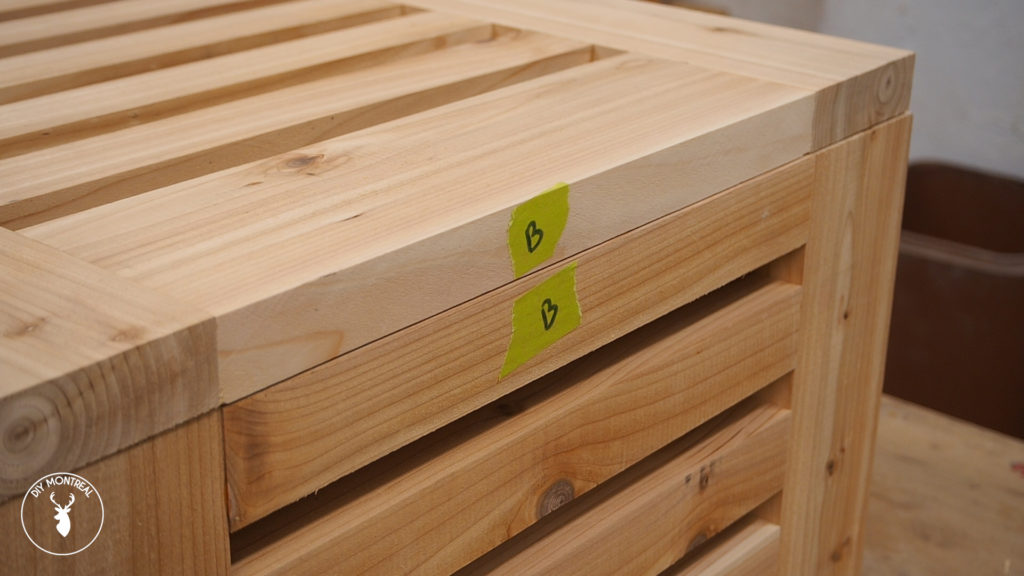
After letting the panels dry overnight I was ready to assemble the panels. I took the time to label all the adjoining faces to know what’s what. It’s really easy to get mixed up if you skip this step.
This time I’m using the JointPro jig. I positioned the jig on one end with the panel flush to the edge of the workbench and then positioned the other part of the jig on the opposite end of the panel. Then I tightened them up from underneath.
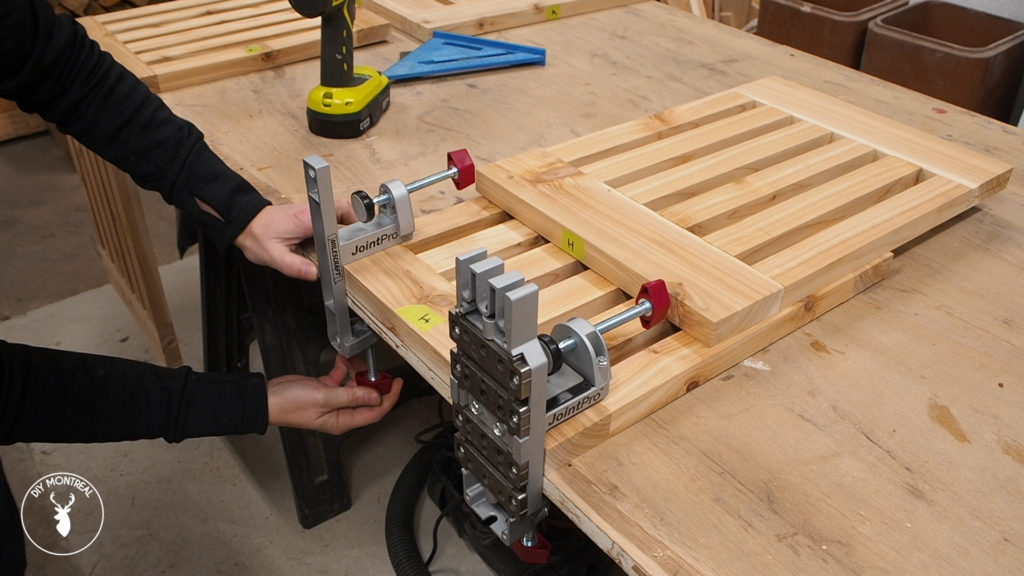
I flipped the adjacent panel up into place and rested it on the jig, then used a square to make sure the panels lined up, and locked the panel into place.
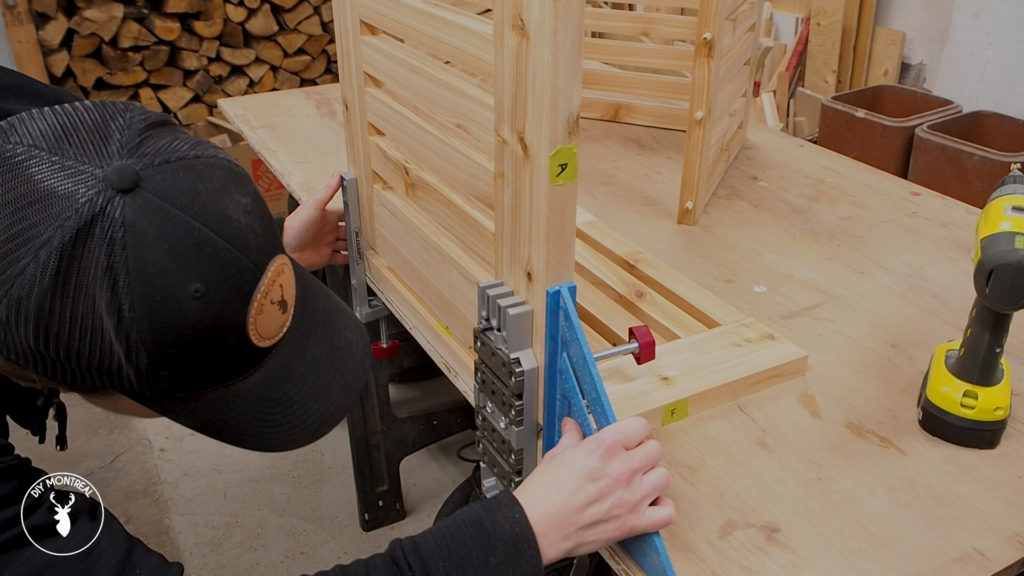
After making the first set of holes, I could just move the jig along my board until you’ve I had made 3 pairs of holes.
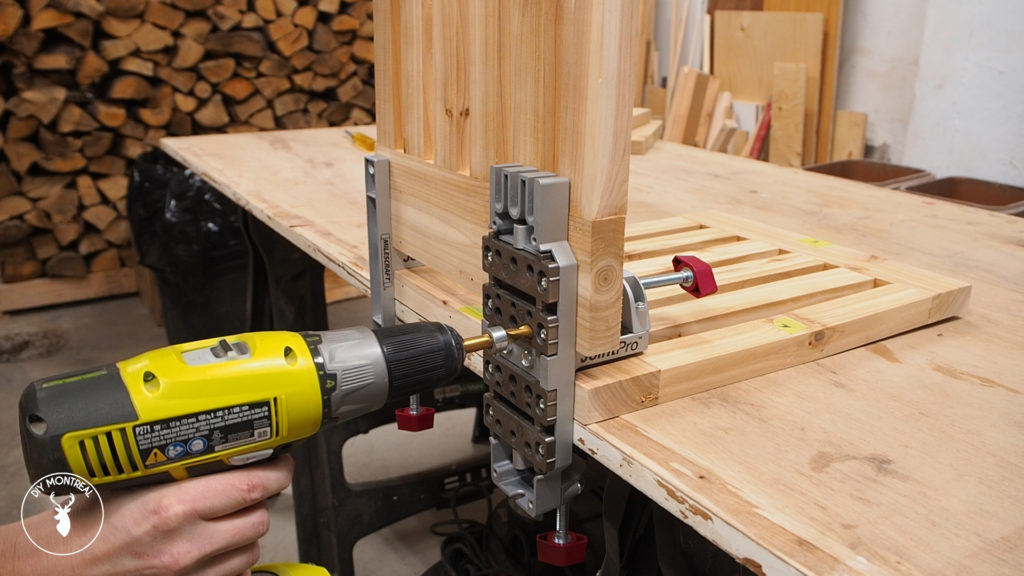
After making the holes, I of course did another dry fit… and got the top panel stuck on.
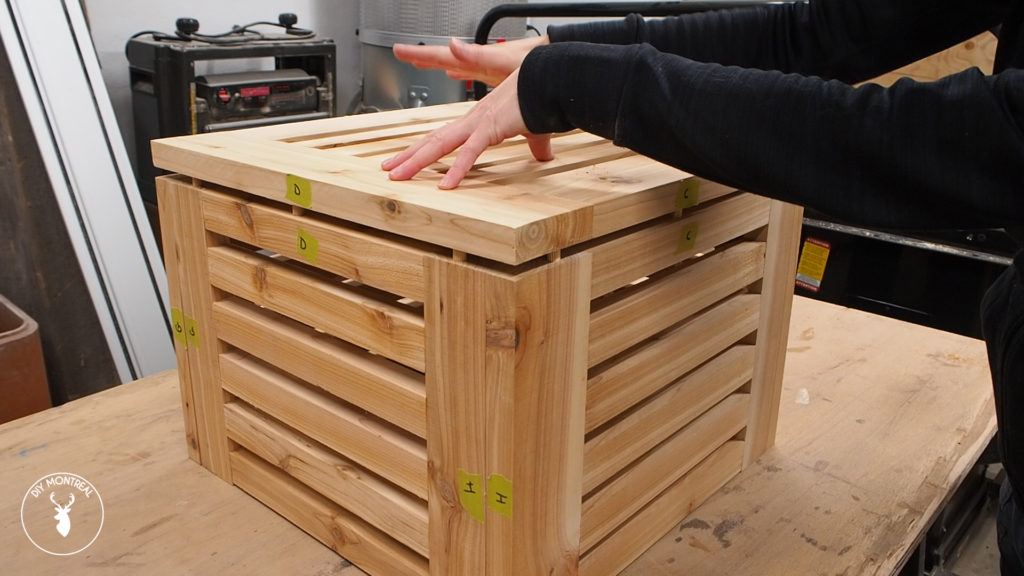
The glue up was similar to before, first applying glue to each of the holes. I also added some glue to the edges for extra gluing surface, but I went easy since I wanted to avoid having too much squeeze out to deal with.
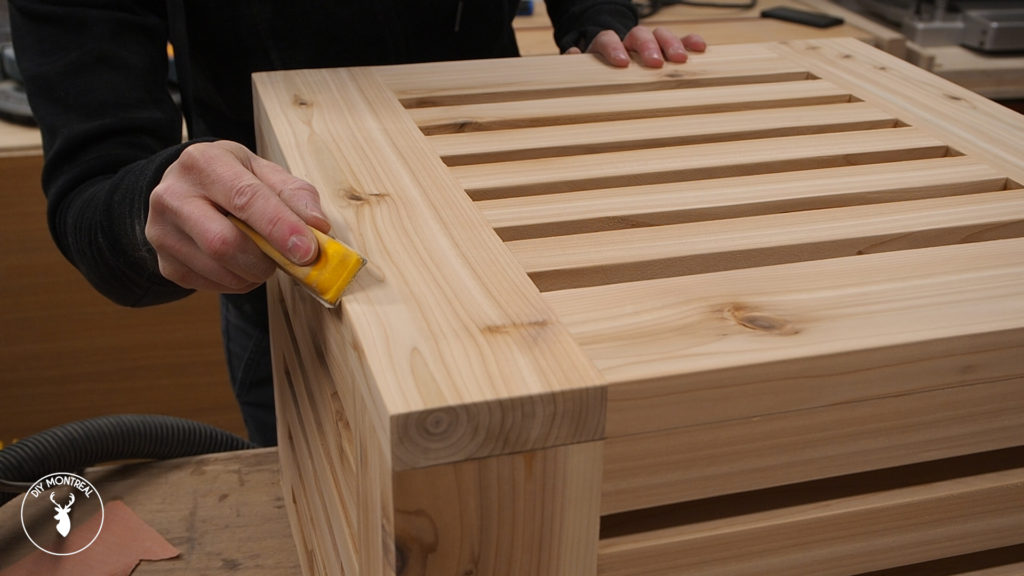
Before I call this project a wrap, there are still a few more steps to go. Of course there’s the obligatory sanding, making sure to also break all the sharp edges with some 220-grit paper.
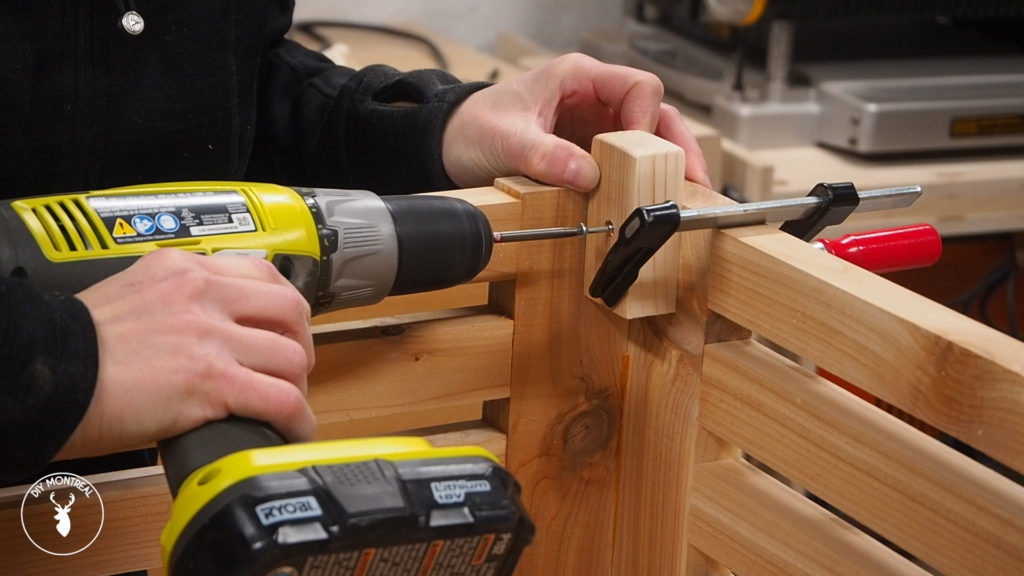
I also want to add feet to the table so it doesn’t sit directly on the ground, so I cut a few short pieces of leftover cedar. I’m going to mark them all using my combination square so I’ll have a reference line when installing them. That way I know they’ll all be at the same height.
Before applying finish a used my shop vac to remove all the dust and also wiped it down with a tack cloth. I applied 2 coats of teak oil, making sure to coat both the inside and outside.